

Every day, we all use dozens of apps on our mobile devices. From checking email and sending and receiving messages, to browsing the internet, managing our daily tasks, playing our favorite games, listening to music, watching videos, and much more, we do all of this through apps made possible by the hard work of developers . Indeed, what seems as simple as "tapping here" to us actually involves a complex process that requires knowledge and skill in using a wide variety of tools.
If you're an app developer, you'll probably skip this post, as you likely already know far more than we could possibly share. However, if you're a "regular" user, you might be curious to learn about the tools developers use to create the apps we see every day on the Google Play Store. With that in mind, today we're showcasing the best tools for Android app developers —a comprehensive compilation that covers everything from professional environments to no-code solutions and the rise of artificial intelligence.
Android Studio: The Industry Standard
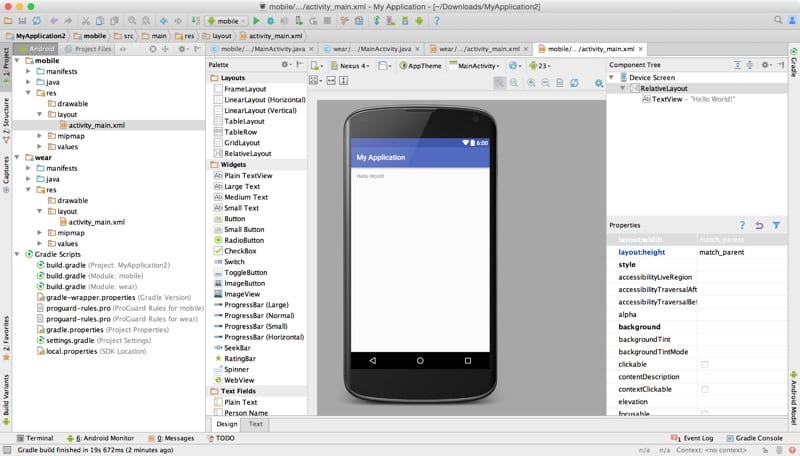
Android Studio is a must-have in any list of Android developer tools. It's the official Integrated Development Environment (IDE) for Android, and the most widely used by developers looking to create basic applications that adhere to Google's Material Design guidelines while still having access to all the platform's advanced features.
The IDE is where any developer will spend most of their time; it acts as an editor for the chosen programming language (Android Studio supports Java, C++, and Kotlin , the latter being the preferred and currently recommended language by Google). It also functions as a compiler for creating APK files and a robust file system for organizing the project. It includes an XML editor and a "design view" that allows for visually arranging elements on the screen.
Android Studio offers a comprehensive suite of additional tools, most of which are included in a single download along with the Android SDK (though the Java JDK must be installed separately). To understand the ecosystem, it's vital to know that the SDK is the kit that provides the necessary APIs for the software to communicate with the device's hardware.

Tools Integrated into Android Studio
AVD Manager (Android Virtual Device)
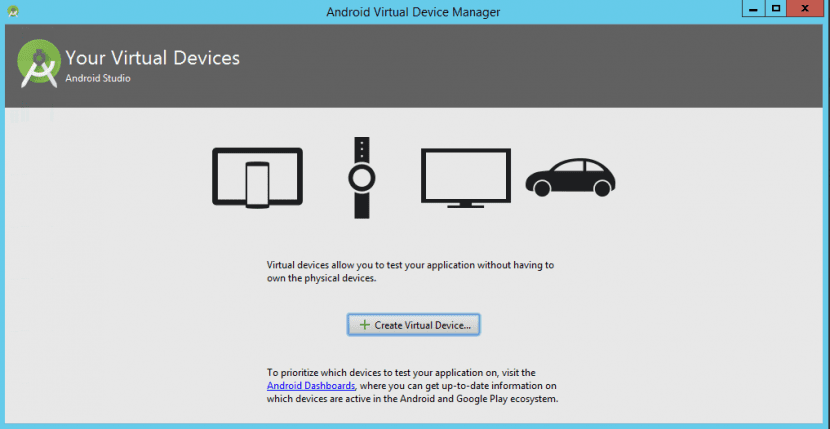
AVD Manager is essentially a device emulator . It allows you to run Android applications directly on your PC, which is incredibly useful for quickly testing features without relying on a physical device. Its power lies in its ability to simulate various screen sizes, hardware specifications, and Android versions , ensuring app compatibility across the vast array of existing devices.
Android Device Monitor and Android Debug Bridge
The Android Device Monitor is used to monitor performance in real time. It allows you to analyze processes, network statistics, and access LogCat , which is essential for debugging errors and optimizing device resource consumption.
On the other hand, the Android Debug Bridge (ADB) is a command-line tool that allows direct communication with the device (whether virtual or physical), facilitating the installation of applications, the extraction of files, and the execution of shell commands.
Multiplatform Development: A Revolution in Efficiency
Currently, mobile development has evolved towards a cross-platform approach . This method allows the use of a single codebase to deploy applications on both Android and iOS, drastically optimizing time and resources.
There are three main approaches that everyone interested should know:
- Native Development: Specific code is written for each system (Java/Kotlin for Android, Swift for iOS). This offers maximum performance but doubles the work.
- Hybrid Development: Web applications wrapped in a native container. They are quick to create but performance is lower.
- Multiplatform Development: Shared code that is compiled to native language, balancing performance and delivery speed.
The Best Cross-Platform Tools
Flutter , created by Google, is probably the most powerful option available today. It uses the Dart language and is based on a pre-designed widget architecture. Its ability to compile directly to native apps makes its performance almost identical to that of a native app, making it ideal for visually appealing interfaces.
React Native , developed by Facebook, is the preferred choice for those who are proficient in JavaScript and React . It allows for deep integration with native modules, although some developers report complexities in the bridging infrastructure between the JS and native code.
.NET MAUI is the successor to Xamarin and Microsoft's offering. It uses C# and the .NET framework to create native applications for Android, iOS, macOS, and Windows from a single platform.
JetBrains' Kotlin Multiplatform offers a different approach: it allows you to share common business logic across platforms while maintaining the freedom to write system- specific user interfaces when needed.
Ionic is based on web technologies (HTML, CSS, and JS) and is excellent for rapid prototyping or applications where extreme performance is not the absolute priority.
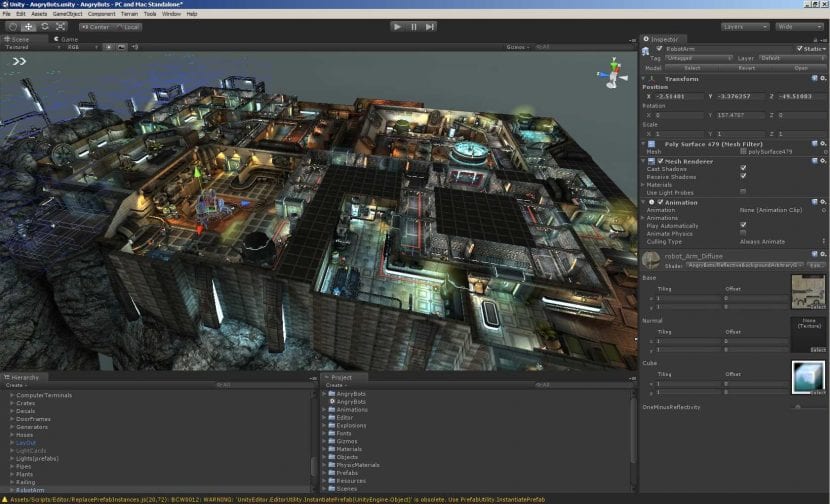
Unity is the undisputed king of game and Virtual Reality (VR) and Augmented Reality (AR) application development . Written in C#, it allows you to create complex 3D experiences and deploy them on multiple app stores.
NativeScript allows you to use Angular, Vue.js, or JavaScript to access native Android and iOS APIs, while maintaining optimized performance.
Other Essential Tools for the Developer
- Unreal EngineUnity's direct competitor, focused on high-fidelity graphics and AAA multiplatform games.
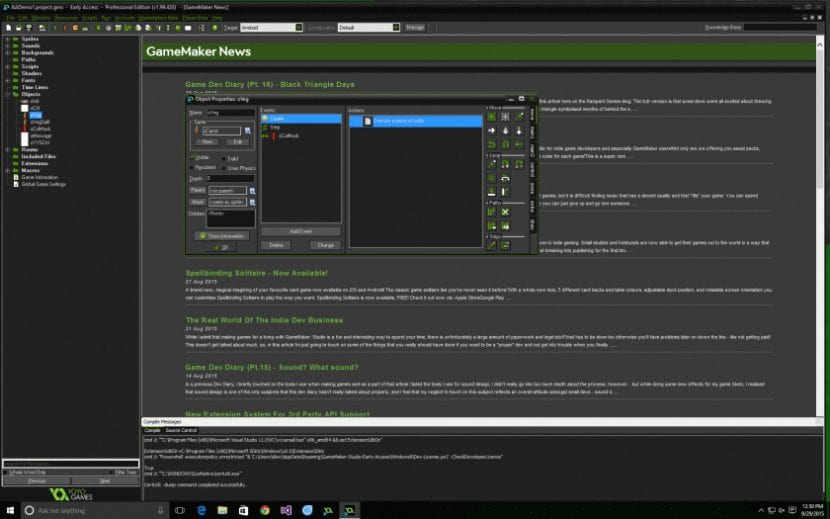
- GameMaker StudioA simpler option for the 2D game development.

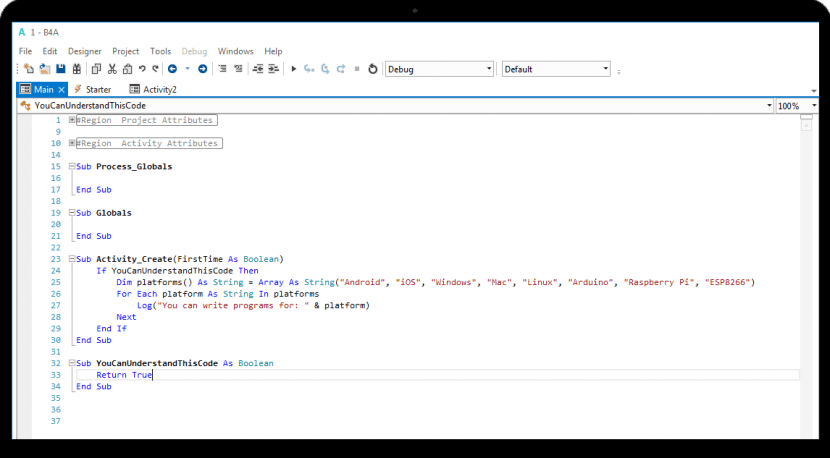
- Basic for Android (B4A): An IDE that allows you to create apps using the language BASIC, ideal for those who prefer this syntax.

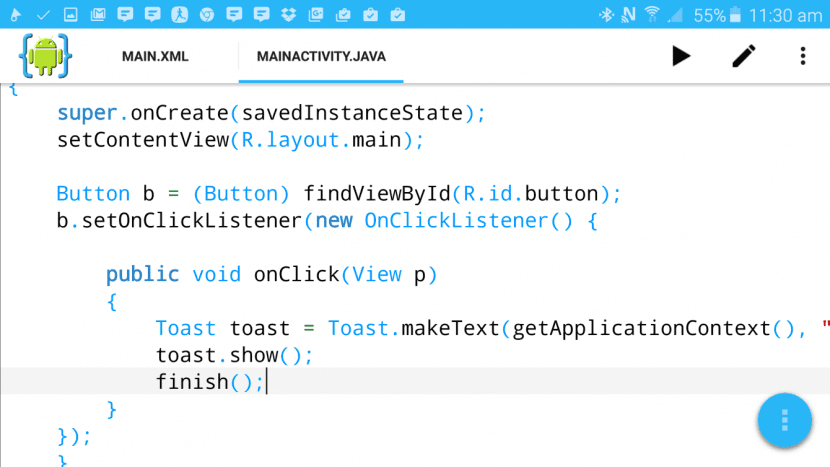
- HELPAn amazing tool that allows program and test apps directly from your smartphone or tablet.

- Visual Studio With Xamarin: Microsoft's IDE that allows you to create cross-platform apps that are likely to be in the cloud.
- EclipseIt was the primary tool before Android Studio. It remains useful for Java, although it no longer has official support from Google.
- GitHubEssential for the version controlteamwork, backups, and access to open source code samples.
The Rise of the No-Code Movement: Apps Without Knowing How to Program
For those who lack technical knowledge or the budget to hire a professional, No-code has emerged . This approach allows the creation of applications, websites, and automations using graphical interfaces and predefined configurations, eliminating the barrier of complex code.
Difference between Native App and Web App
- Native Applications: Designed for a specific operating system (iOS or Android). They are downloaded from the app stores and take full advantage of the hardware (GPS, camera, sensors).
- Web Applications (Web-Apps): Accessible via browser. They do not require downloading and are easier to update, functioning as an intermediate point between a website and an app.
Top Recommended No-Code Tools
AppSheet : A Google platform that creates apps from databases like Google Sheets or Excel . Ideal for internal data management.
Andromo : Specializing in Android, it offers templates for educational, audio, and entertainment apps. It automates creation without writing any code.
Adalo : Allows you to create native apps using a drag-and-drop system , with payment and notification integration.
Webflow : Although best known for websites, it generates very clean code that can be adapted to create polished web application experiences.
Typeform : Specialist in conversational forms, ideal for lead generation and integration with Slack or Google Analytics.
Goodbarber : Very powerful for eCommerce , used by global brands such as Coca-Cola and Levi's.
Kodular : Based on the modular block system, it allows you to create free Android apps with great flexibility, although it charges a commission if you decide to monetize with ads.
AppGyver : A free tool for cross-platform apps with over 500 visual components available in its Composer editor.
Bubble : One of the most versatile for complex web applications , with total control over the logic and the database.
Mobincube : Allows you to create apps for iOS and Android by integrating Google's Firebase for push notifications and analytics.
FlutterFlow : A gem of the No-code world that uses the Flutter framework. It allows for visual design but generates real code that you can export and modify, making it ideal for startups.
Glide and Softr : Both transform Airtable or Excel databases into functional apps in minutes. They are best for rapid idea validation (MVPs).
WeWeb and BravoStudio : WeWeb focuses on scalable web apps integrated with Xano, while BravoStudio turns designs from Figma or Adobe XD into real native apps.
Hostinger Horizons : An AI -powered platform for creating web apps using text-based prompts, facilitating one-click deployment.
Advantages and Disadvantages of No-Code
Advantages: It highlights the reduction of complexity , the drastic savings in time and money, and the total autonomy of the creator by not depending on external programmers.
Disadvantages: There may be limitations in deep customization , a strong dependence on the chosen platform, and potential hidden costs when scaling the application.
Artificial Intelligence in App Development
AI has moved beyond science fiction and become an active assistant. Tools like ChatGPT (OpenAI) and Claude 3.5 (Anthropic) are transforming the way we program.
The workflow is now: Idea description → AI code generation → Review and adjustment . This allows anyone to generate the basic structure of an app in minutes using natural language. Claude 3.5, especially with its Artifacts feature , allows you to preview app components visually and dynamically.
Educational and Experimental Tools
For those who want to learn programming logic while creating, there are educational options available:
- App Lab (Code.org)Use a Scratch-like block editor to create universal apps that run in the browser.
- MIT App Inventor: Pioneer in block-based development for Android, with a community of millions of users and extensive tutorials.
- Thunkable: Evolution of block tools that allows for more professional results and access to advanced mobile hardware features.
Choosing the right tool depends entirely on your goal: if you're looking for a high-end commercial product, Android Studio or Flutter are the way to go; if you want to quickly validate a business idea, the no-code ecosystem (Bubble, Glide, FlutterFlow) is the best option. Integrating AI into all these processes only accelerates the ability to turn an idea into a tangible product, democratizing software development for entrepreneurs and creatives alike.
Table of Contents
- 1 Android Studio: The Industry Standard
- 2 Tools Integrated into Android Studio
- 3 Multiplatform Development: A Revolution in Efficiency
- 4 Other Essential Tools for the Developer
- 5 The Rise of the No-Code Movement: Apps Without Knowing How to Program
- 6 Artificial Intelligence in App Development
- 7 Educational and Experimental Tools