

Today I want to inaugurate this new section in AndroidsisCalled the best apps for ChromecastIn this section, we will regularly present the essential applications that you won't want to be without. chromecastApplications like the one I want to present to you today will give us the possibility of watching local videos from our Android devices directly on our television with Chromecast.
The application can be downloaded directly from the Google Play Store ; it's called LocalCast , and believe it or not, it's completely free with advertising integrated into the application.
I want to emphasize the issue of advertising integrated into the application , since it is only within the application itself and will not bother us on our television or while playing our favorite movies or videos.
What does LocalCast offer us?

LocalCast is possibly the best streaming video player we can get for our Chromecast , a player with a sensational graphic style that offers full functionality without limitations, with only the inclusion of the occasional ad that will always arrive locally on our mobile screen without interfering with the playback of any video or sending them to our television.
As a user of this Google device myself, I highly recommend this fantastic app, which is undoubtedly one of the best Chromecast apps and a must-have for any self-respecting device.
How does LocalCast work?
LocalCast is as easy to use as any file explorer for Android , thanks to its folder-style interface. It's a clean and clear interface where, once you've selected the content you want to play, you simply tap the floating Chromecast icon in the bottom right corner to connect to your device and start watching your favorite shows and movies.
In addition, with LocalCast we can create playlists or view all the content of a folder without having to touch the controls from our Android to advance to the next video.
So, if you want to watch all the videos from your Android device directly on your TV via Chromecast , you absolutely must download LocalCast, as it's possibly the best app you can get for this task.


Complete Guide to Essential Chromecast Apps

The Google Cast ecosystem is vast. To get the most out of your device, whether it's an older Chromecast or the newer Chromecast with Google TV , you need a set of tools that covers all your multimedia needs. Below, we detail the best options, categorized for your convenience.
Casting of Local Content and Multimedia Files
When your phone's storage or an SD card is full of movies, you need an efficient way to connect them to your TV. That's where dedicated media players come in.
- VLC for Android: It's the "Swiss Army knife" of media players. It's open source, free, and supports a huge number of codecs (including older MKV and AVI formats). It allows you to send local videos to your Chromecast natively and easily, without any additional complications.
- LocalCast: Ideal for sending photos, music, and videos. It stands out for its ability to integrate cloud services such as Drive or Dropbox and its support for PDF documents.
- Plex: The king of media centers. It uses a client/server model. You install the Plex Media Server on your PC or NAS and you can organize your personal movie library with covers and metadata, controlling everything from your mobile.
- BubbleUPnP: Especially useful for complex local networks. It allows you to turn your Chromecast into a renderer. UPnP / DLNAOptimizing bandwidth to avoid interruptions.
- AllCast: A classic and versatile alternative. Although its free version has limitations, it is compatible with Fire TV, Roku, and Samsung or Sony Smart TVs.
- Jellyfin: A free and open-source option similar to Plex, ideal for managing media servers without subscription costs.
- Video stream: It allows you to play video or audio files stored on your phone or computer without the need for a complex server like Plex.
- MediaMonkey: It helps organize videos and music, automatically searching for metadata and album names, with WiFi synchronization.
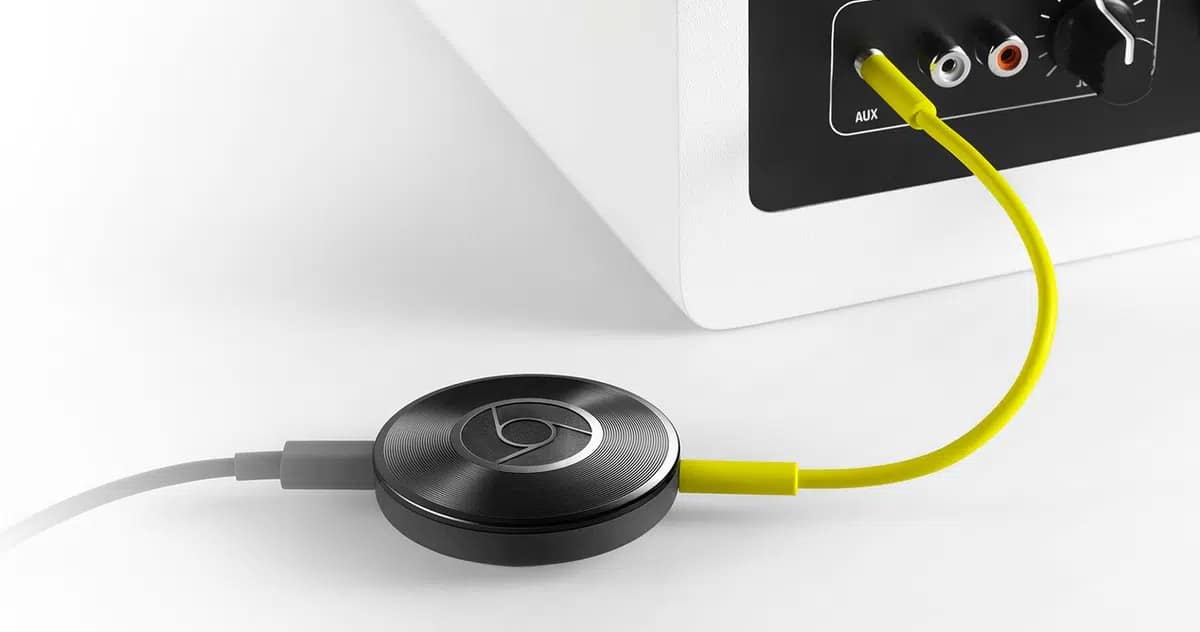
Video Streaming: Movies, Series and TV
For binge-watching enthusiasts, there are both official options and tools for web content:
- Netflix: The gold standard. Efficiently caches the stream, allowing you to turn off your phone while the video continues playing on your TV. Supports 4K HDR.
- YouTube: Essential application. Its "Queue" function allows multiple users to add videos simultaneously.
- Disney +: A must-have for Marvel and Star Wars fans. It offers high quality, although it requires a stable bandwidth for 4K.
- Max (HBO): A prestigious library featuring series like Game of Thrones. Subtitle synchronization has been improved in its most recent versions.
- Amazon Prime Video: Robust and with an extensive catalog, although its casting interface may be less intuitive than Netflix's.
- PlutoTV: Completely free service, no registration required, with over one hundred themed channels with ads.
- Tivify: Perfect for watching the National DTT and regional with recording option and on-demand content from the last 7 days.
- Web Video Caster: A specialized browser that detects video files on web pages without a native cast button, compatible with servers such as StreamCloud or Allmyvideos.
- SeriesDroid and PelisDroid: Very popular for accessing extensive catalogs of streaming series and movies.
- Popcorn Time and Vuze: Focused on the Torrent protocol to view downloaded or live streaming content.
- RakutenTV: Spanish service with free content, ads, and rental or purchase options.
- Crunchyroll: The best option for anime lovers, with premieres direct from Japan and HD quality.
- Film: Spanish platform focused on independent, international and auteur cinema.
High Quality Music and Audio
Turn your TV into the best speaker in the house with these apps:
- Spotify: Thanks to Spotify ConnectThe transition between devices is instantaneous. If the official app fails, tools like Spoticast have historically helped to circumvent restrictions.
- Deezer and Tidal: Powerful alternatives. Tidal stands out for its sounds Hi-Fi high fidelity and superior content curation.
- Apple Music: Surprisingly good compatibility with Chromecast, bridging the gap between the Apple and Android ecosystems.
- TuneIn Radio: It allows you to tune in to more than 100.000 global radio stations and thousands of podcasts.
- iVoox and Pocket Casts: Essential tools for podcasts. Pocket Casts lets you create smart filters and playback queues.
- MusicMatch: It allows you to display the song lyrics in real time on the television screen.
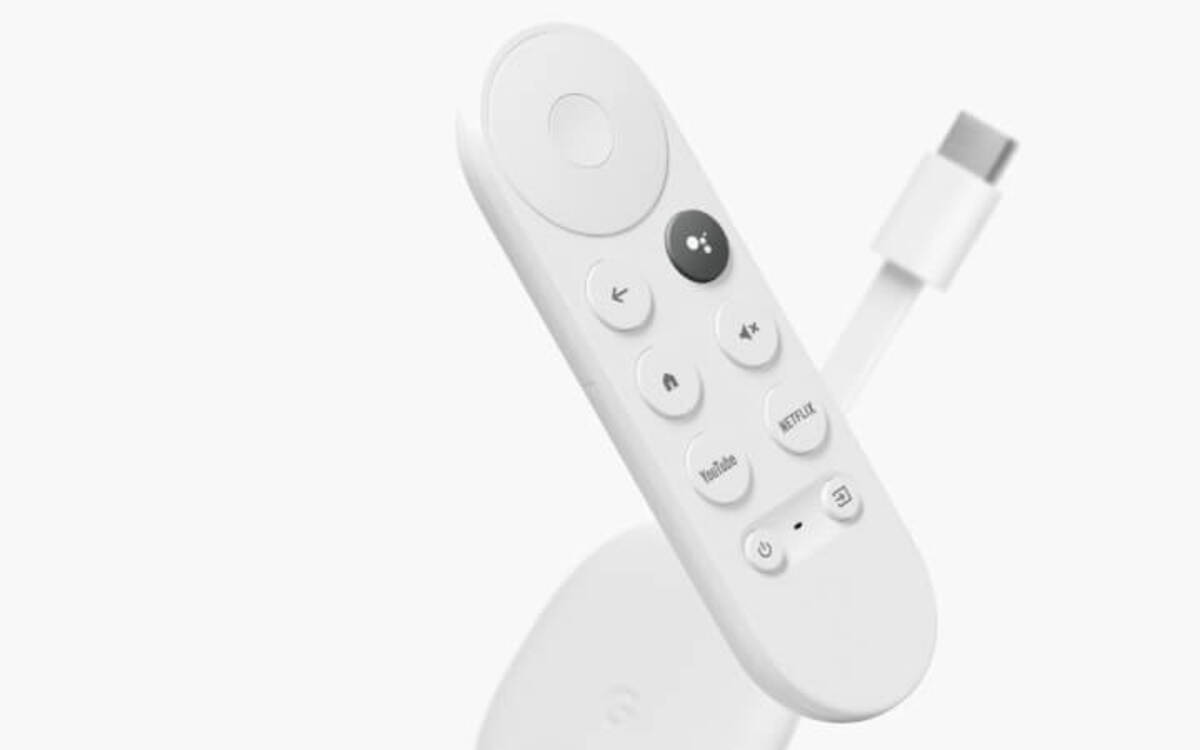
Tools, Games and Utilities
Chromecast is not just video; it's also productivity and interactive entertainment:
- Google Home: Essential for initial setup and ambient mode management.
- Google Photos: Ideal for projecting family memories in slideshow mode.
- Google Slides: The mobile phone acts as a remote control while the audience views the slides.
- Twitch: Essential for gamers and esports. A stable connection is recommended to avoid stuttering at 1080p60fps.
- Alien Invaders and Just Dance: They transform your mobile phone into a virtual controller. Just Dance lets you dance to over 500 songs without a console.
- Solid Explorer: Advanced file manager for managing memory Chromecast with Google TV.
- Google Files: Useful for cleaning the device and managing cloud backups.
- steam link: Allows you to play PC games on your TV. Requires 5GHz WiFi to avoid lag.
Solutions to common casting and mirroring problems
Sometimes the "Cast" button disappears or the device isn't detected. This usually happens for three reasons: Wi-Fi network issues (both devices must be on the same band, preferably 5GHz), native iOS limitations (iPhones don't support native mirroring to Chromecast), or incompatible video formats.
To solve this, tools like 1001 TVs allow full screen mirroring, surpassing the standard Google Cast protocol using QR codes. This is vital for iPad or iPhone users who need to mirror apps that lack official support or when network discovery fails.
The Chromecast ecosystem is a versatile tool that, by combining massive streaming applications like Netflix with powerful local file managers like VLC or LocalCast, allows you to turn any monitor or television into a smart and personalized entertainment center.
Table of Contents