
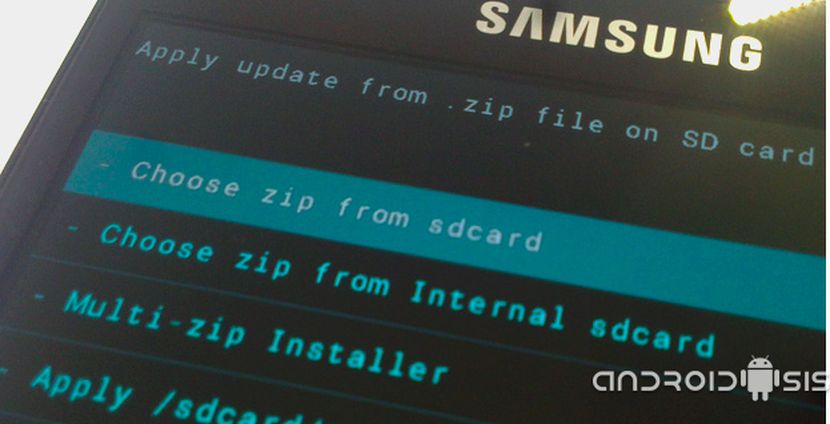
We've already started explaining how to unofficially update certain Android devices to the new Android 5.0 Lollipop version using the first Alpha ROMs of CyanogenMod 12. This is the case with the LG G2 and the international model of the Samsung Galaxy S4 GT-I9505.
In the case of the LG G2 , which is the device I personally own, I must say that the ROM is fantastic and runs perfectly, practically without any bugs , at least none that we would consider significant. In the case of the Samsung Galaxy S4, things still need some polishing, although the truth is that the Android Lollipop ROM looks phenomenal in both cases. In today's post, I intend to guide you through the process of updating the modified Recovery , an essential step for the successful flashing of these CyanogenMod 12 ROMs and for everything to work as it should.
To update your custom recovery to the latest version available for your device, simply go to the website of the respective project, whether it's TWRP , Philz , or CWM . Download the ZIP file, copy it to your Android's internal storage, reboot into your old recovery, and flash the updated version without performing any wipes . After flashing, simply reboot your device from the Reboot options, selecting " Reboot into Recovery Mode ."
How do I get the latest version of TWRP Recovery?
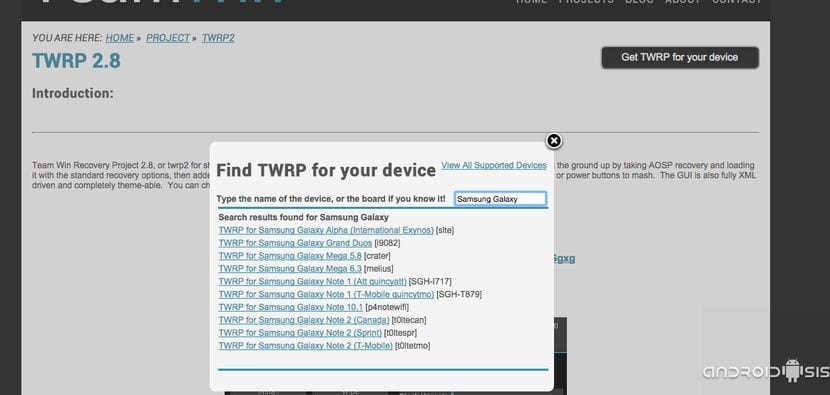
You can download the latest version of the custom TWRP recovery from this website by clicking on this link . Then, simply click on the " Get TWRP For Your Device" option and enter your device model in the dropdown menu.
How do I get the latest version of Recovery Philz Touch?
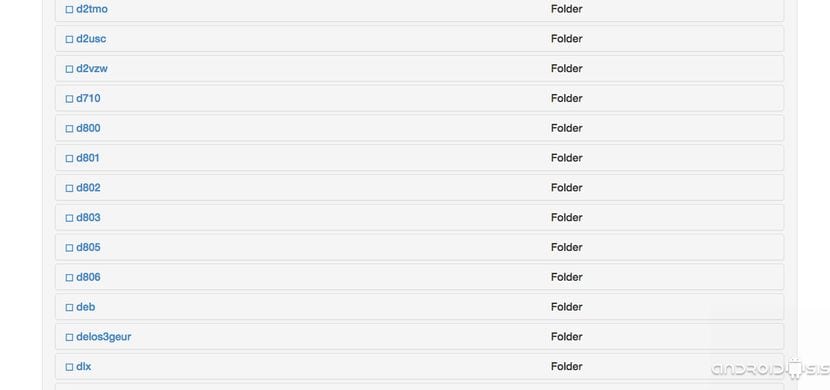
In the case of Philz Touch Recovery, it's a bit more complicated since it doesn't have as advanced a search function as the TWRP website. So, to get the latest version of Philz Touch Recovery, we'll have to look at all the available models at this same link.
How do I get the latest version of CWM Recovery available?
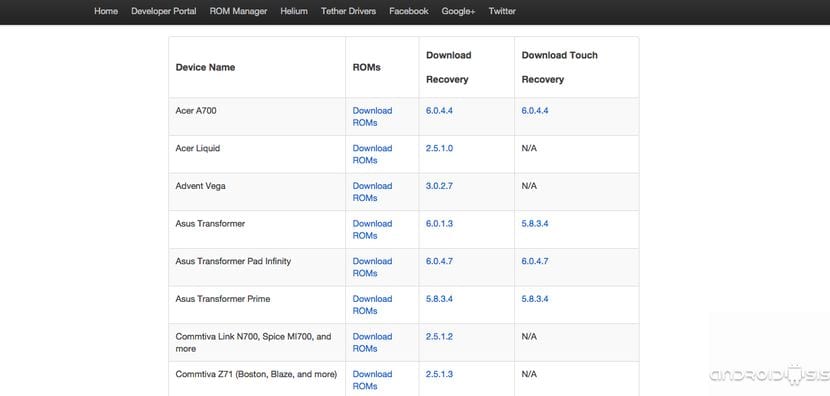
To get the latest updated version of Clockworkmod Recovery , simply go to this website and select it from the extensive list of compatible devices.
How do I update my Recovery to its latest version?
To update the modified Recovery to the latest version , whatever it may be, we must follow these simple steps from the old modified Recovery:
- We copy the downloaded zip to the internal memory of the terminal to update.
- We reboot in Recovery Mode.
- From option Install we select the downloaded zip and we flash it without any wipe.
- We go to the option reboot or option Advanced, depending on our modified Recovery, and we select the option Reboot into Recovery Mode.
When the terminal restarts, it will enter Recovery mode again, and we can verify that we already have the latest version.
Table of Contents
