
In the following video tutorial I'm going to show you how to create a self-flashing firmware for use with a single click in Heimdall.
Heimdall , as I explained in other articles, is a program for flashing Samsung terminals , the only alternative to Odin and is available for all operating systems.
With this simple video tutorial , you will be able to create a compressed file in .tar.gz format , which will be automatically detected by Heimdall and loaded in a single click. This, in addition to saving us the tedious work of searching for the corresponding files one by one, will ensure that we do not make a mistake in the selection of the files, thus avoiding a faulty flashing process.
What do we need?
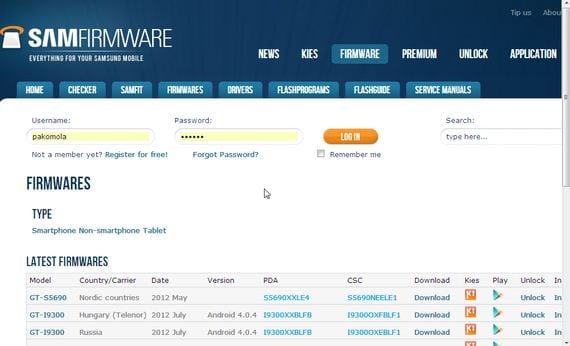
We will need the original firmware that we want to create to auto-flash in Heimdall , this can be found as usual on the official Sammobile.com website.
We'll also need the corresponding .pit file and the firmware.xml file, which we'll have to modify according to the video instructions. The PIT file is for the Samsung Galaxy S; if you're following the tutorial for another device, you'll need to download the PIT file corresponding to your specific model.
Obviously, we will need to have Heimdall installed on our operating system; remember that Heimdall is available for Windows , Mac , and Linux.
The tutorial is done under Linux , specifically from Ubuntu 12.04 , but the process of creating the self-flashing firmware is identical for all operating systems.

I advise you to make the auto-flashable firmware with the XXJVU base , since it is the one used to perform a clean installation of a ROM, and the one recommended as a base before flashing a new cooked ROM.

You can also gradually download the most commonly used firmwares and compress them to have them ready for Heimdall . Another thing you can do, always with caution, is to create your own custom firmware , for example by changing the modem file that contains the radio to the modem or radio that you like best or that works best for you.
You can do the same with the zimage file , which is the file that contains the Kernel , as long as the one you use is compatible with the Android version you are flashing.
More information – How to install Heimdall on Linux
Download – firmware.xml, s1_odin_20100512
