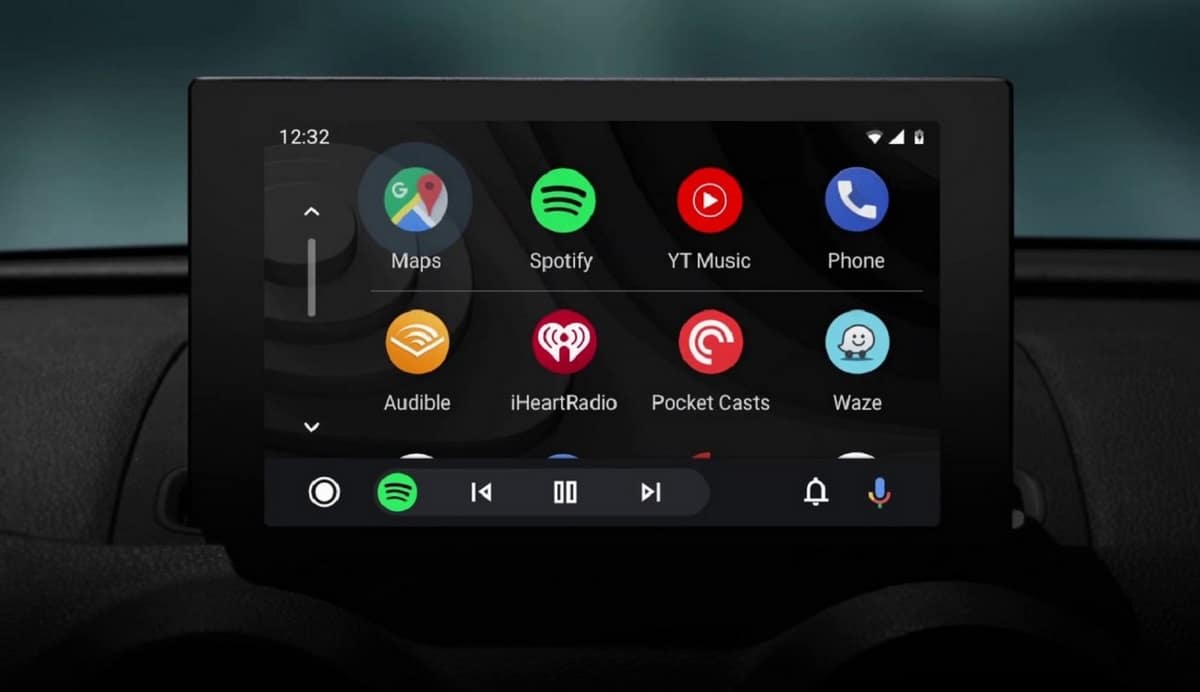
Samsung's update to One UI 9, based on Android 17 , is causing a connection problem with Android Auto on several Galaxy phones. Affected users report that the car doesn't recognize the phone or that the session drops shortly after starting. This issue has been reported on Google's help forums and, for now, has no confirmed cause or solution.
This isn't a widespread issue across all Samsung devices, but it is a recurring complaint among users of models like the Galaxy S24 Ultra and the Galaxy A55 . Comparing different versions provides one of the clearest clues: an S24 Ultra updated to One UI 9 experienced connection problems where an S25 Edge with One UI 8.5 worked flawlessly, according to the collected data.

What exactly is wrong with Android Auto and One UI 9?
The symptoms aren't identical in all cases. Some drivers report that Android Auto doesn't even recognize their phone when they connect it to the car; others manage to log in, but lose the connection unexpectedly. This variation means it's still impossible to confirm that all the reports point to the same technical problem.
Standard troubleshooting steps don't always work. Some users have tried clearing Android Auto's data or switching to a different cable, but this hasn't restored service in all cases. The issue also hasn't been linked to a specific vehicle make, cable, or multimedia system configuration.
Samsung phones affected by One UI 9
The reports published so far include devices from different generations and price ranges. These include high-end models and some mid-range devices, indicating that the problem is not limited to Samsung's most expensive phones . Here are some of the phones mentioned:
- Galaxy s26 ultra, within the latest range.
- Galaxy Edge S25which has also appeared in the complaints.
- Galaxy s24 ultra, one of the cases used to compare One UI 9 with One UI 8.5.
- Galaxy A55which shows that the incidence also reaches the mid-range.
The comparison between software versions points to Samsung's custom interface. A device running One UI 8.5 continued to connect to the vehicle , while an S24 Ultra with One UI 9 began experiencing problems. This suggests a possible software incompatibility, although it doesn't allow us to pinpoint the exact component causing the issue.
When will there be a solution from Google or Samsung?
The Android Auto team has already received the report. A Galaxy A55 user posted their case on Google's help forums and received a response confirming that the issue had been escalated internally for review. This does not mean the company has identified the source of the problem or that there is an update with a confirmed release date.
For now, there's no public diagnosis from Samsung clarifying whether the issue is related to One UI 9, Android 17, or the Android Auto app itself . Google hasn't detailed the root cause, and Samsung hasn't offered a public explanation, so users still lack a clear roadmap for restoring the service.
Comparing versions offers a clue, but not a definitive solution. Google or Samsung will need to identify the source to determine whether simply fixing Android Auto will suffice or if a Galaxy software update will also be necessary. Until then, any announced patch should be treated with caution unless accompanied by official confirmation.
What can affected users do while they wait?
Until a confirmed solution is available, it's best to avoid resetting or making drastic changes to your phone based on unverified recommendations. Tests performed by other affected users can serve as a reference, but they don't guarantee that the problem will be resolved in every case.
Among the measures that have been tested are the following:
- Delete Android Auto data and reconfigure the application.
- Try one wired connection instead of wireless, or change the cable if the vehicle allows it.
- Check if the fault occurs only with a specific car model or with any compatible system.
- Review the One UI version installed to confirm if the phone has already received One UI 9.
None of these tests replace an official fix. Until a confirmed solution is available, affected users can report the issue on Google's help forums, as has already happened with a Galaxy A55; these reports are what allowed the Android Auto team to be notified of the problem.
The ball is still in Google and Samsung's court. Google has received the reports and is reviewing them internally, while Samsung has not released a diagnosis. This lack of confirmation leaves One UI 9 users without an official date or instructions for restoring Android Auto in all cases.

Table of Contents