

The Samsung Galaxy S4 is a device that was officially unveiled and launched internationally about two years ago—28 months to be exact—since March 2013, when what was then the flagship or most premium device of the Korean multinational was released. That's why we're receiving many inquiries via social media from owners of this sensational Samsung device complaining about battery problems with the Samsung Galaxy S4.
The most common issue with Samsung Galaxy S4 batteries is that they've reached the end of their lifespan and it's time to replace them. You can buy a replacement at any electronics store in your neighborhood or from the many online retailers that offer them at the best price. However, if you're not yet able to spend the approximately €20 that an original Samsung Galaxy S4 battery costs, or if you want to try to get a little more out of it, here are some ways to extend the life of these batteries using free Android apps.
The problem may be a battery calibration
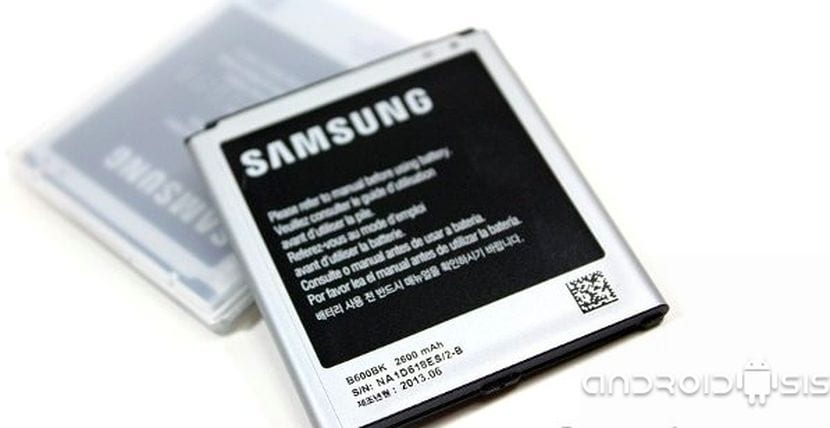
The most common cause, as I mentioned before, is that the problem with the Samsung Galaxy S4 batteries is simply that they have reached their useful charge and discharge cycles, although it can also be, especially for those users who tinker with their S4 by installing and flashing custom ROMs, that their Samsung Galaxy S4 battery has become miscalibrated.
In that case, we can try to perform a complete battery calibration of the Samsung Galaxy S4 simply by downloading a free Android application called Battery Calibration and following the instructions to the letter, which the application itself provides and which I explain in detail in this post that I wrote some time ago.
Trying to extend the battery life with an application
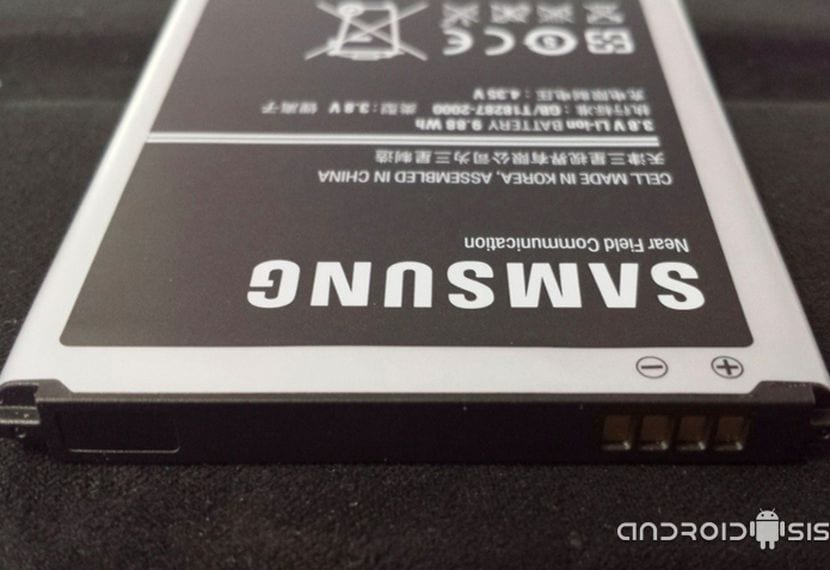
Another thing we can try to solve the problem of the Samsung Galaxy S4's battery and its rapid drain is by downloading applications that help conserve the battery of our Android device by turning off services that we don't normally use or completely stopping applications that run in the background without us noticing.
One of the best free apps we can find for this purpose is undoubtedly Wakelock Detector , an application that works perfectly on the Samsung Galaxy S4, although it requires Superuser permissions, meaning a rooted Samsung Galaxy S4 . However, at this point, that's probably not a big problem for users of this veteran Android device.
If you want to download Wakelock Detector and learn how to use it properly, I recommend you check out this post I wrote at the end of 2013.
Buy the Samsung Galaxy S4 battery at the best price
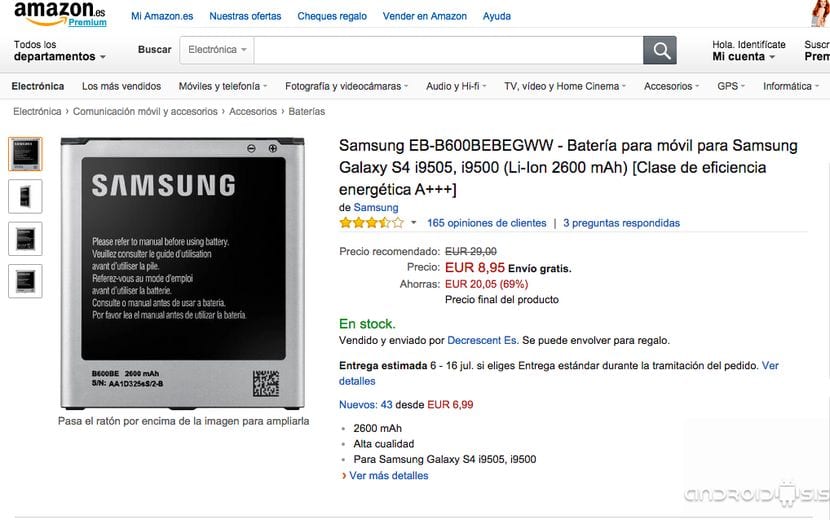
If, even after trying these possible solutions, your Samsung Galaxy S4 battery continues to fail and leave you stranded at the first opportunity, I advise you to check out Amazon where we've found the best offer on an original battery for the Samsung Galaxy S4 for just 8,95 euros, with free shipping.
Table of Contents
