In our daily lives, it's extremely common to accidentally delete images, videos, music, or other critical files . Data loss can occur for various reasons: from a simple human error like deleting a folder, to more complex situations such as data corruption due to external factors, accidental handling of the device by children, or even power surges while the smartphone is charging.
There are multiple solutions for trying to recover this information, whether by using native applications , tools installed on the computer, or a combination of both. The latter option is the most recommended, since if a recovered file is unreadable on the mobile device for some technical reason, the PC usually offers greater processing power to repair and open the file.
It's important to note that even recovering deleted contacts or SMS messages on an Android phone is possible, although success depends entirely on the tool used and the state of the device's memory. Therefore, we encourage you to carefully review each of the recommended applications. Most have an intuitive interface , allowing you to recover individual files or perform a bulk restore in a single operation.

Before delving into the tools, we must understand that prevention is the best approach. The safest way to keep your information secure is to set up automatic backups . On Android, you can go to Settings > System > Backup to manage which data is saved to the cloud. As an additional tip, for extremely important files, it's advisable to duplicate them : keep the original, send it via a messaging app like Telegram, or upload it to a cloud folder to minimize the risk of total data loss.

Undeleter
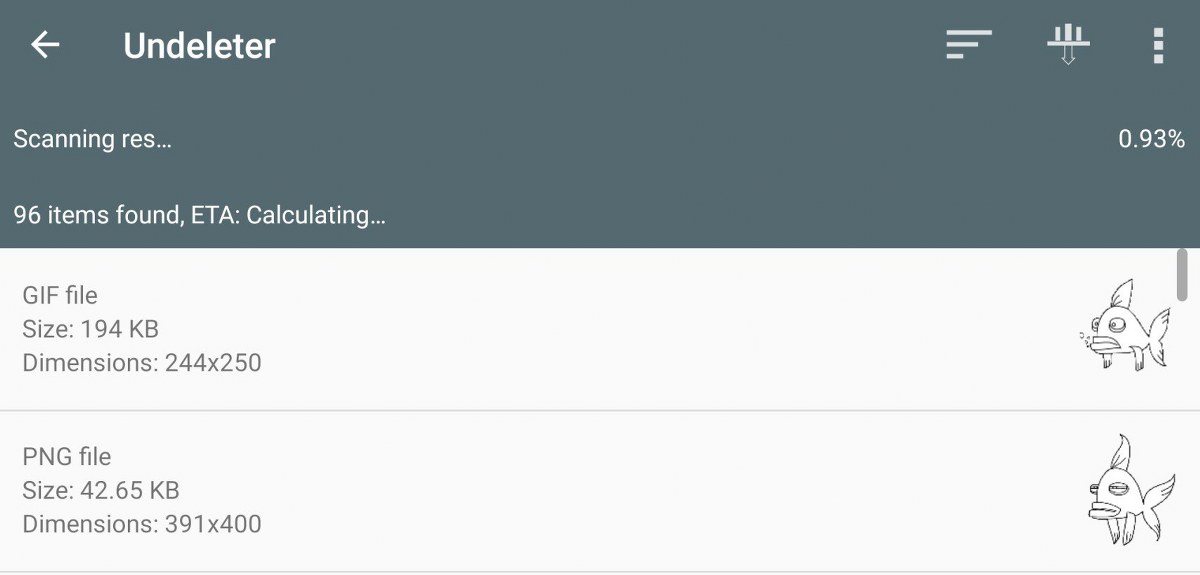
This tool can restore images, SMS messages, call logs , and conversations from popular apps like WhatsApp and Viber . Undeleter also includes an advanced feature to securely delete files , preventing future recovery. The paid version removes ads and enables background scanning , expanding file compatibility.
It allows integration with Google Drive and Dropbox , making it easy to store recovered files in the cloud. The process is simple: after installation, a full scan of the phone is performed, and the user selects the files they want to save.


DiskDigger
This tool is the ideal choice for image recovery , as it specializes in photo storage. DiskDigger stands out for its ability to find files even if the microSD card has been accidentally formatted.
The process is extremely fast: simply scan the selected drive (internal or SD) and, depending on the volume of data, the results will appear in a few minutes.


Dr. Fone
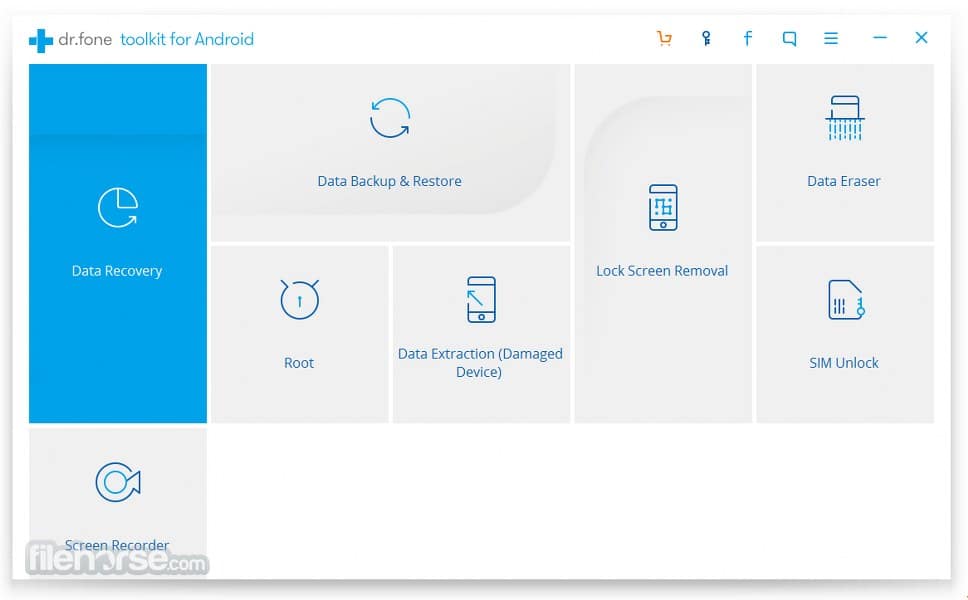
Dr. Fone is a robust tool capable of searching for images and videos on internal memory and SD cards. It's important to note that recovering messages and contacts requires the paid version . This application stands out for its broad format compatibility.
- Images: JPG, PNG, BMP, GIF, TIF and TIFF.
- Videos: MP4, 3GP, MOV, AVI, MPG, WMV, ASF, FLV, RM/RMVB, M4V, 3G2 and SWF.
Like other advanced tools, it requires rooting the device to access deep memory sectors. Once the files are obtained, it allows you to transfer them to the cloud (Google Drive or Dropbox). Dr. Fone is especially valued for its ability to work in 15 different scenarios , including phones with broken screens or serious system failures.

GT File Recovery
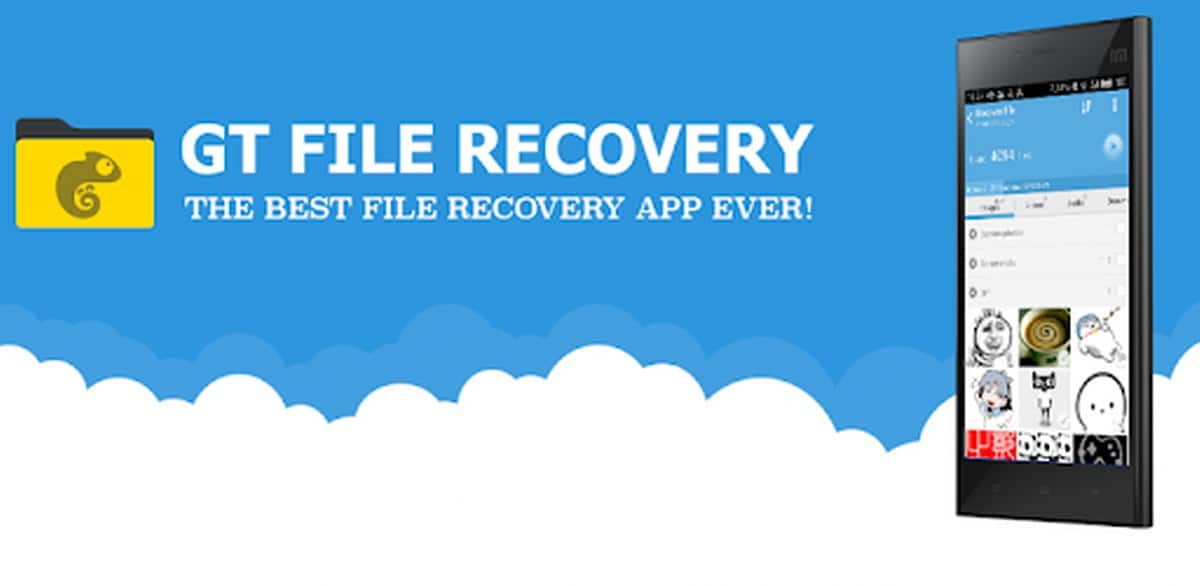
The GT File Recovery app specializes in restoring images of almost any format. One of its biggest advantages is that it doesn't require rooting your phone to work, making it accessible to all users. The process is extremely fast: after running the scan, the photos appear organized by creation date , allowing you to send them directly to your phone's gallery.
It supports a very wide range of formats, including not only images (JPG, PNG, GIF, BMP), but also compressed files (ZIP, RAR) , documents such as PDF or DOCX , and audio/video formats (MP3, MP4, AVI). It's an excellent option for those looking for a free tool without technical complications.

Other powerful recovery alternatives
In addition to mobile apps, desktop software offers a much higher success rate when connecting your device via USB. Here we analyze the most reliable options on the market:
- EaseUS MobiSaver for Android: Highly recommended for its 3-step process (Connect, scan, and recover). It supports over 6000 devices and allows you to preview files before restoring. It's ideal for contacts and messages.
- Tenorshare UltData: It stands out for its high success rate in recovery WhatsApp messages without backup and its compatibility with the latest versions of Android.
- Stellar Data Recovery: Considered one of the most complete, it allows you to recover data from phones no need for root in many cases and is compatible from Android 6.0 to the most current versions.
- DiskDrill: A "complete toolkit" that scans every sector of the disk. It's extremely powerful, but requires root to access deep internal memory.
- FoneLab and MobiKin Doctor: Versatile tools available for Windows and Mac, capable of recovering data from SIM card and internal memory with advanced algorithms.
- Dumpster and Recycle Bin: Unlike the previous ones, these act as a Recycle BinThey must be installed before to delete the files, since they intercept the deletion and save the copy in their own folder.
How to choose the right software
To avoid wasting time or risking overwriting data (which would make recovery impossible), consider these factors before choosing:
- Easy to use: Look for minimalist interfaces if you're not a technical expert.
- Supported file types: Check if the app retrieves specifically what you need (e.g., only photos or also WhatsApp databases).
- Root Requirements: If you don't want to void your phone's warranty, opt for tools that work without root access, even if they have a less thorough search.
- Reliability and Reviews: Check other users' experiences to avoid software with malware or very low success rates.
- Price: Evaluate whether you need the free (limited) version or if the investment in a professional license compensates for the value of the lost data.
If you find yourself in a desperate situation, the general recommendation is to first try desktop tools like Stellar or EaseUS , as they offer the fastest scan speed and the greatest security for data integrity.
Recovering deleted files on Android is a viable process as long as you act quickly and use the appropriate tool for the type of storage affected. While "trash" apps are preventative, deep scan software is the last line of defense for rescuing valuable memories and documents from internal memory or SD cards.
Table of Contents